Essential church video editing tips for ministries include prioritizing concise sermon highlights and devotional clips that resonate with social media audiences. By utilizing accessible software like DaVinci Resolve, iMovie, or mobile editing apps, Indian ministries can create professional worship visuals and online services that effectively engage their congregation.
You have hours of powerful sermon footage, yet the thought of sitting down to edit feels like a daunting barrier between your message and your congregation. For many Indian ministries, technical limitations and time constraints often result in overlooked opportunities for digital outreach. This matters because every frame is an act of stewardship; our goal is to present the Gospel with clarity and professional excellence. In this guide, we provide a faith first roadmap to elevate your media ministry. We will cover essential software selections, efficient workflows tailored for small teams, and techniques for creating engaging social media clips. Additionally, we will address specific challenges like low bandwidth optimization and multilingual subtitles, ensuring your content resonates deeply across every region and language in India.
Why Ministry Video Editing is an Act of Stewardship
Viewing the editing process through the lens of stewardship transforms a technical chore into a spiritual discipline. For ministries in Kerala and across India, the goal is never just to create a polished video for its own sake. Instead, it is about managing the precious resource of the Gospel. Generic video editing often prioritizes entertainment value or high pace, but a ministry-first approach seeks to eliminate distractions. By trimming unnecessary pauses, cleaning up audio, and ensuring smooth transitions, you remove the hurdles that prevent a viewer from fully engaging with the Word.
In our unique landscape, where a single sermon recorded in a local church can reach believers across diverse linguistic and geographical barriers, quality matters. A poorly edited video might be ignored by someone in a remote area struggling with a weak connection or a different dialect. When you apply effective church video editing tips, you are essentially clearing the path for the message to travel further. U4CHIRST CREATIONS views this work as a partnership in the Great Commission. Investing in professional video production and editing or refined creative design services ensures the message remains the focus, rather than the medium. This level of care reflects a commitment to excellence that honors both the Creator and the congregation.
Essential Church Video Editing Software for Every Budget
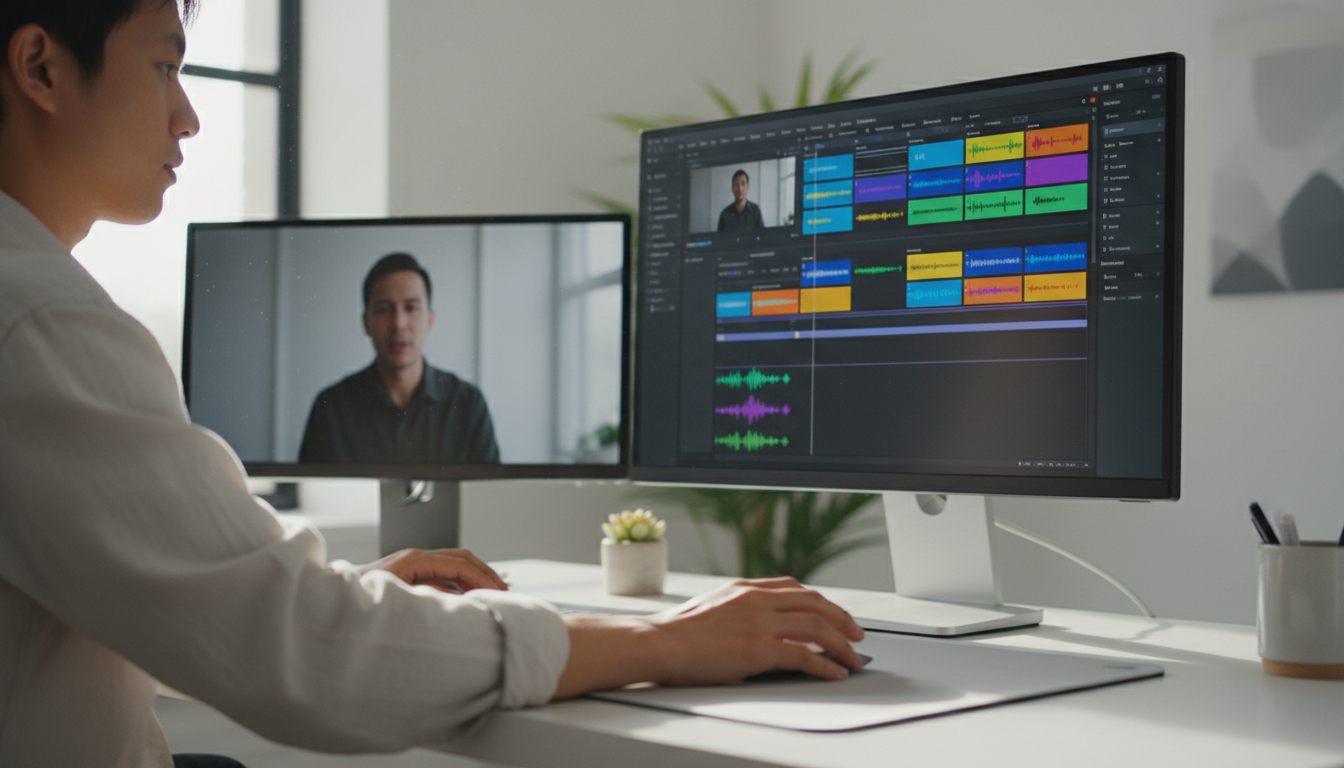
Translating the spirit of stewardship into practice requires selecting tools that align with your ministry's current technical capacity and financial resources. In the Indian context, where many growing churches rely on volunteers and mobile devices, the barrier to entry for high-quality video has never been lower. Choosing the right software is about finding a balance between ease of use and the power needed to deliver a clear message.
For many local media teams in Kerala, mobile editing is the most accessible starting point. CapCut and KineMaster are widely used for their intuitive vertical interfaces, making them ideal for crafting quick worship highlights or spontaneous testimonies. On the desktop side, DaVinci Resolve is the gold standard for ministries on a zero-budget, offering professional-grade color grading and audio tools that rival expensive paid suites. If the learning curve of professional software feels too steep for your volunteers, beginner-friendly options like Movavi or the built-in Windows tool Clipchamp provide a simplified experience without sacrificing quality.
Tool | Primary Platform | Best Suited For | Pricing Structure |
|---|---|---|---|
CapCut | Mobile/Desktop | Reels and Shorts | Free / Subscription |
KineMaster | Mobile | Quick Mobile Edits | Subscription |
DaVinci Resolve | Desktop | Professional Polish | Free (Studio version available) |
Movavi | Desktop | Beginner Volunteers | One-time Purchase |
Clipchamp | Windows/Web | Basic Sermon Cuts | Free / Subscription |
When evaluating these options, consider the long-term impact on your church budget. Subscription models can become a recurring burden for smaller congregations; therefore, one-time purchases or robust free tools are often more sustainable. If your ministry needs to scale quickly, pairing these tools with professional video production and editing can ensure your major projects maintain a high standard. Additionally, integrating assets from creative design services will help your video content maintain a professional brand identity across every platform.
A Simple Step by Step Ministry Editing Workflow
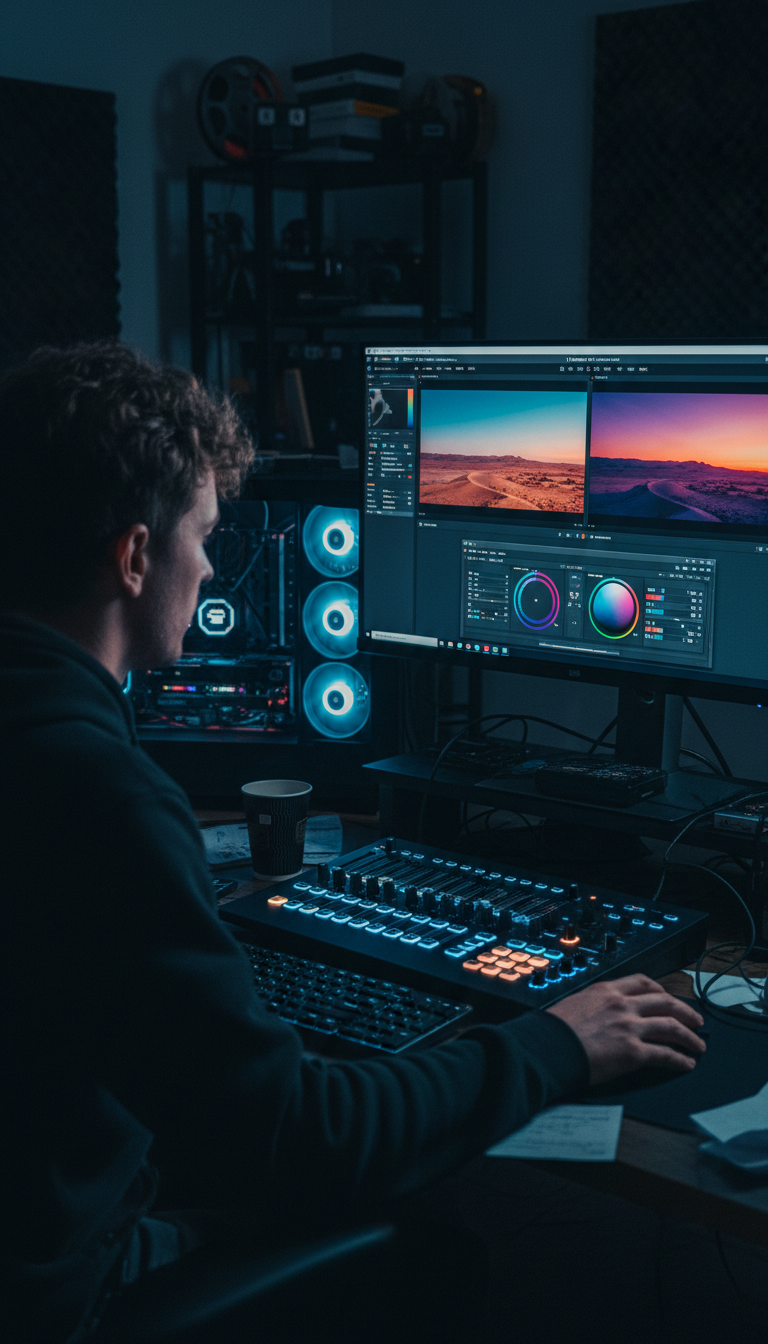
Transitioning from software selection to the actual editing process requires a structured approach to ensure consistency and excellence. For many ministry teams in Kerala, the pressure to release content quickly can lead to skipped steps, which often results in technical errors that distract from the Gospel message. By following a disciplined workflow, you can implement effective church video editing tips that prioritize the clarity of the Word.
Organization and the 3-2-1 Rule: Before dragging a single clip onto the timeline, secure your data. Follow the 3-2-1 rule: maintain three copies of your footage, stored on two different media types (such as an internal hard drive and a rugged external SSD), with one copy kept off-site or in a secure cloud service. This practice is essential for safeguarding testimonies and sermons against hardware failure or local power surges.
The Rough Cut: This stage is about subtraction. Remove filler words like "umms," long awkward pauses, or technical glitches such as microphone feedback. The goal is to create a seamless flow where the speaker’s logic remains the focal point. If a segment feels repetitive, trim it to keep the viewer engaged.
Audio Enhancement: In ministry media, audio quality is far more critical than visual flair. Because the message is contained in the spoken word, viewers will forgive a slightly grainy image but will quickly tune out if the audio is muffled or harsh. Use tools to normalize volume levels, reduce background hum, and apply equalization so the pastor's voice sounds natural and clear.
Visual Polish: Once the audio is locked, focus on color grading to ensure skin tones appear natural under sanctuary lighting. Incorporate B-roll, such as footage of the congregation or worship team, to add depth. Utilizing creative design services for custom lower thirds and scripture graphics during this phase ensures your video reflects a professional brand identity.
Final Export: Export a high-resolution master for your archives while preparing smaller, platform-specific versions for distribution. If your ministry requires a more sophisticated touch beyond basic cuts, partnering for professional video production and editing can help elevate your flagship series to a global standard.
How to Create Engaging Sermon Clips for Social Media

The rise of short-form video has transformed how congregations in Kerala interact with the Word throughout the week. Transforming a forty-minute sermon into bite-sized content is a primary focus for modern media teams. To begin, you must identify the hook. This is the most impactful 30 to 60 seconds of a message where the speaker delivers a profound theological truth or a compelling call to action. By focusing on these high-intensity moments, you ensure the viewer remains engaged despite the fast-paced nature of social feeds.
Technically, these clips require a shift to a 9:16 vertical aspect ratio to fill the screen on Instagram Reels and YouTube Shorts. When cropping your landscape footage, keep the speaker centered and ensure their gestures remain within the safe zones of the frame. Incorporating professional elements like Lower Thirds is essential for brand consistency. These graphics should display the speaker’s name and the primary scripture reference; this provides immediate context for the viewer who may be scrolling without sound.
Leveraging creative design services for these assets helps your ministry maintain a cohesive look across all digital platforms. Applying these church video editing tips helps bridge the gap between Sunday morning and a busy Monday commute. For ministries looking to produce high-impact series trailers or docu-style highlights, partnering for professional video production and editing provides the cinematic edge needed to stand out in a crowded digital landscape.
Mastering Multilingual Subtitles for Indian Audiences
Reaching a congregation in Kerala often means communicating with people who speak Malayalam, English, or Hindi. Subtitles are no longer optional in this multilingual landscape; they are a bridge that connects the message to a broader audience. When applying church video editing tips for Indian audiences, prioritizing readability is essential. If a viewer in Kochi is watching a sermon while commuting on the Metro, they will likely have their volume muted. Burned-in captions, which are subtitles permanently rendered onto the video, ensure that the Word remains accessible even without audio.
Automated tools like those found in CapCut or Rev can accelerate the transcription process, but these AI models often struggle with specific theological vocabulary or local accents. A manual review is vital to ensure that terms like "Sanctification," "Covenant," or "Anointing" are not mistranslated or misspelled. For Malayalam or Hindi subtitles, ensure the font choice is legible on small mobile screens. While the process is time-consuming, it demonstrates a commitment to clarity. If your team lacks the bandwidth to manage complex translations, professional video production and editing can handle the heavy lifting. Furthermore, integrating these captions with high-quality graphics from creative design services ensures your social media assets look polished and professional across every language.
Applying the 80 20 Rule to Your Editing Process
Applying the Pareto Principle to your workflow can prevent volunteer burnout while maximizing the spiritual reach of your content. In the realm of church video editing tips, the 80/20 rule suggests that 80 percent of your video’s impact is derived from only 20 percent of your tasks. For a ministry, those critical tasks are crystal clear audio and a concise message that remains free of technical distractions.
If a viewer can hear the Word clearly, they will often overlook basic visuals; however, no amount of cinematic transitions can compensate for muffled sound or a confusing narrative. Focus your energy on volume leveling and trimming the message for clarity before touching complex effects. While high-end professional video production and editing can elevate a flagship project, local volunteers should prioritize a consistent release schedule rather than chasing unattainable perfection. Pairing simple, clean edits with branded elements from creative design services ensures your ministry remains visible and professional without overextending your team’s capacity. For a growing church in Kerala, consistency in sharing the Gospel is far more effective than an occasional and over-produced masterpiece.
Technical Considerations for Low Bandwidth Areas
Optimizing your final export for the technical realities of rural Kerala ensures that your message reaches those with limited data plans or slow internet speeds. While 1080p remains the standard for modern displays, a high-bitrate file can be impossible to download in areas with fluctuating 4G signals. The most effective church video editing tips for local distribution focus on bitrate management rather than just resolution. For a standard sermon, setting your target bitrate between 3 and 5 Mbps provides a clean image without creating an oversized file that congregants will struggle to stream on WhatsApp or Telegram.
Using the H.265 (HEVC) codec is a practical choice for Indian ministries, as it offers roughly 50 percent better compression than the older H.264 standard at the same quality level. If your ministry relies heavily on WhatsApp groups for distribution, remember that the platform often compresses video further, which can muddy your text and graphics. Sending files as a 'Document' preserves quality, but the file size must remain manageable to respect the viewer’s data limits. Integrating clean, high-contrast assets from creative design services ensures that your titles remain legible even after mobile compression. For flagship projects where quality cannot be compromised for file size, seeking professional video production and editing can provide the expertise needed to master complex delivery formats.
Video editing is more than just a technical skill; it is a digital ministry that helps share your message with your local community. By focusing on clear visuals and intentional storytelling, your ministry can reach hearts more effectively across India. If you find the process overwhelming or simply want expert help to bring your creative vision to life, our team is here to support you. You can contact us to learn how we can help elevate your church media together.